Quick start
Start with one meeting. Connecting Google Calendar or Outlook gives you the best experience, but you can also use Skala separately.
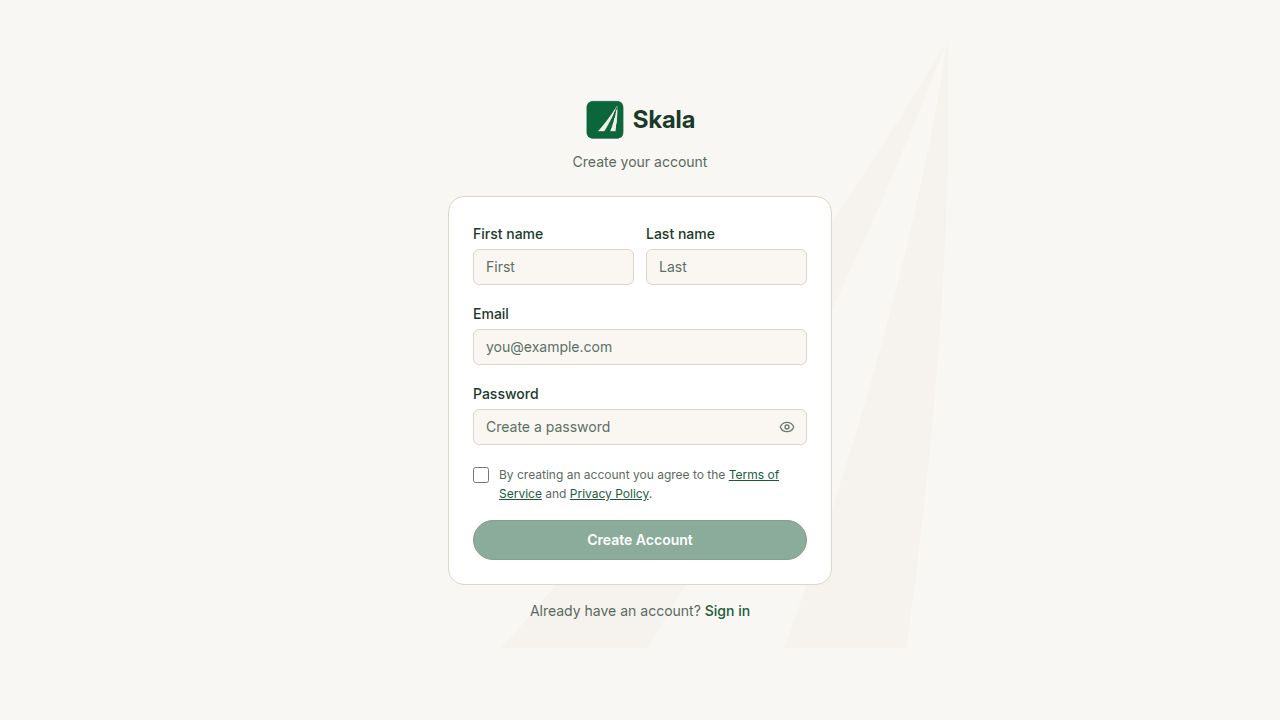
1
Create your accountCreate a free Skala account, then sign in.
THE FLOW
01
02
Connect Google Calendar or Outlook — or use Skala separately
For the best experience, connect your calendar in Settings. Your calendar meetings will appear automatically in Skala. You can skip this and create meetings directly in Skala instead.
03
Create a meeting
Create it in Google Calendar or Outlook after connecting, or choose Meeting from Skala’s + menu.
04
Add the meeting details
Set the date and time, then add the people who should attend.
05
Add agenda items
Open the meeting in Skala and add the items you want everyone to work through.
Sharing example
Example public meeting link: https://yourskala.com/m/WM0rzO3ouY